To install GitHub Copilot in VS Code, open VS Code and go to Extensions on the left, then search for GitHub Copilot. Note the “GitHub Copilot” extension has been deprecated:
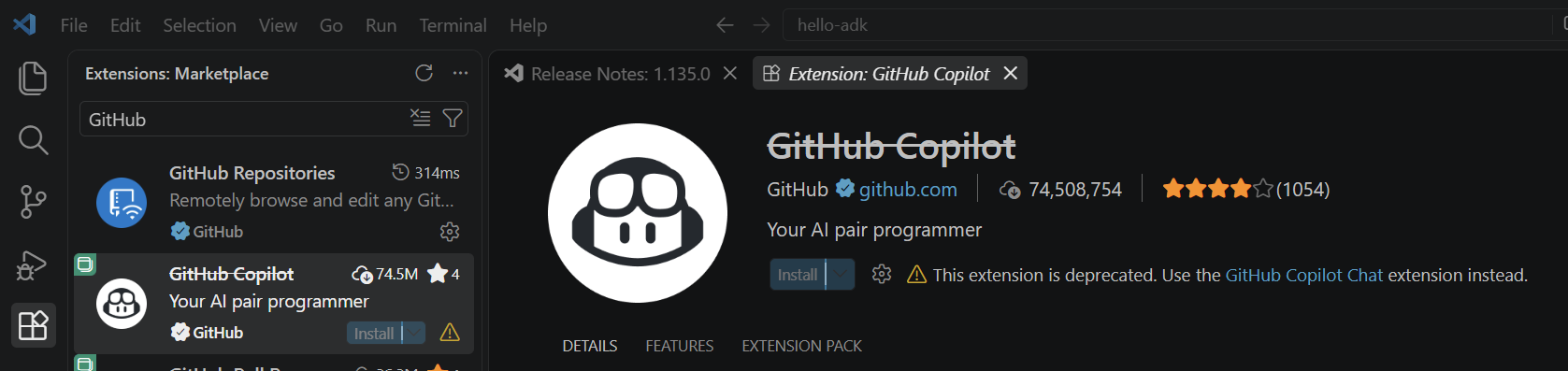
What we’re looking for is the GitHub Copilot Chat extension. Go ahead and click on Enable AI Features:

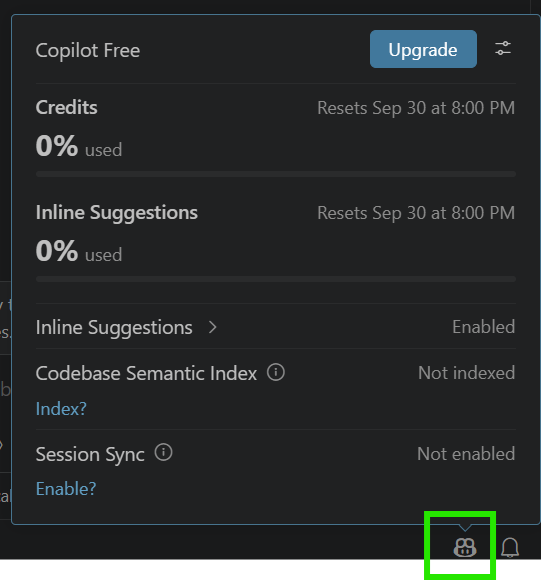
Once you do that, in the bottom right you will see this Robot icon. Clicking on it will show which plan you have available:
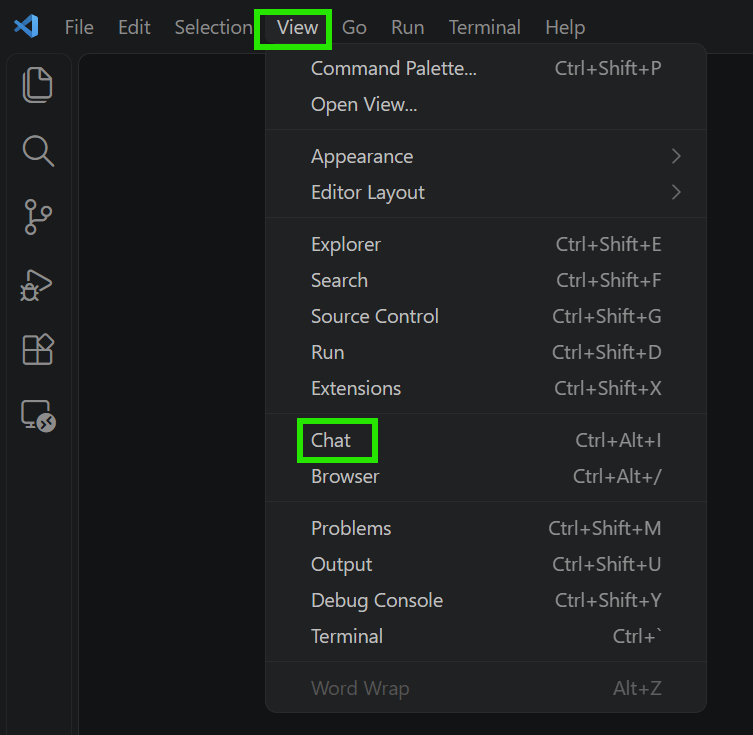
To use GitHub Copilot, go to the VS Code menu->View->Chat:
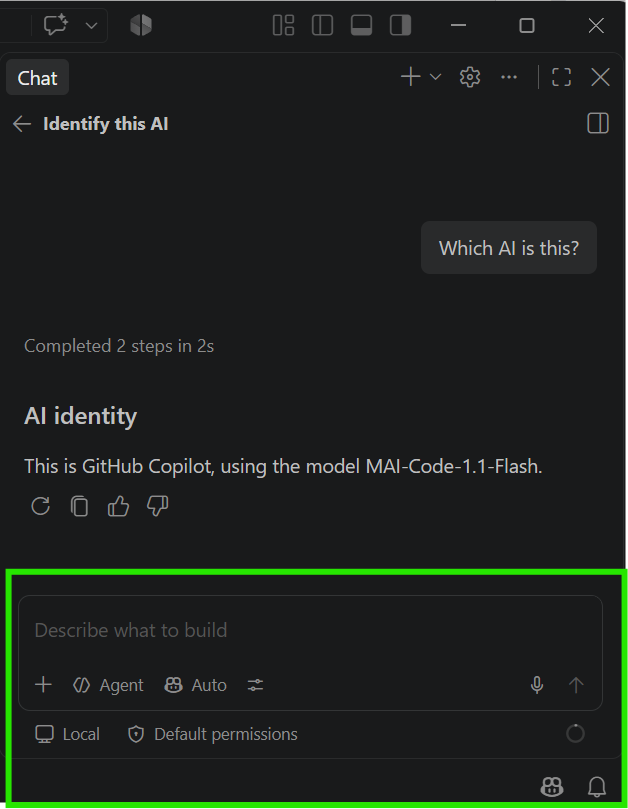
In the right Chat pane you will be able to type with GitHub Copilot:
I AM SPENDING MORE TIME THESE DAYS CREATING YOUTUBE VIDEOS TO HELP PEOPLE LEARN THE MICROSOFT POWER PLATFORM.
IF YOU WOULD LIKE TO SEE HOW I BUILD APPS, OR FIND SOMETHING USEFUL READING MY BLOG, I WOULD REALLY APPRECIATE YOU SUBSCRIBING TO MY YOUTUBE CHANNEL.
THANK YOU, AND LET’S KEEP LEARNING TOGETHER.
CARL